Kling 2.6
Kling 2.6 AI video generator
Kling 2.6 turns text or images into cinematic video clips with strong motion and style control.
Generate videos in the live workspace below.
Live workspace
Kling 2.6 video studio
Choose text-to-video or image-to-video, upload references, then set aspect ratio and duration before you generate.
Creator
Video generator
No additional settings
Capabilities
Kling 2.6 capabilities
Deeper semantic understanding, tighter audio-visual sync, and more detailed sound layers for a more lifelike mix.
Audio-visual sync
Visual motion and sound rhythms stay tightly aligned. Speech pacing, ambience, and on-screen actions move in lockstep, avoiding the common “separate audio and visuals” feeling.
Audio quality & layers
Upgraded sound generation supports voices, SFX, and ambience with cleaner audio, richer layers, and a mix that feels closer to real-world production.
Semantic understanding
Stronger comprehension of detailed prompts, spoken language, and multi-scene storylines helps capture intent and produce more coherent, logical audio-visual results.
How Kling 2.6 works
A repeatable flow for video generation.
Pick a mode
Start with a text prompt or image reference.
Add references
Upload keyframes or style references as needed.
Set output
Choose aspect ratio, duration, and options.
Generate & export
Review clips and download final video.
Prompt-only generation with synced audio
Text-to-video example
Example 1
Cozy living room confession
A spoken line with soft delivery in a warm, intimate scene.
Prompt Set
- A young asian woman, casually dressed, sitting on a sofa in a cozy living room, softly saying: “I have a secret, Kling 2.6 is coming.”
Output Preview
Reference image with dialogue and reactions
Image-to-video example
Example 1
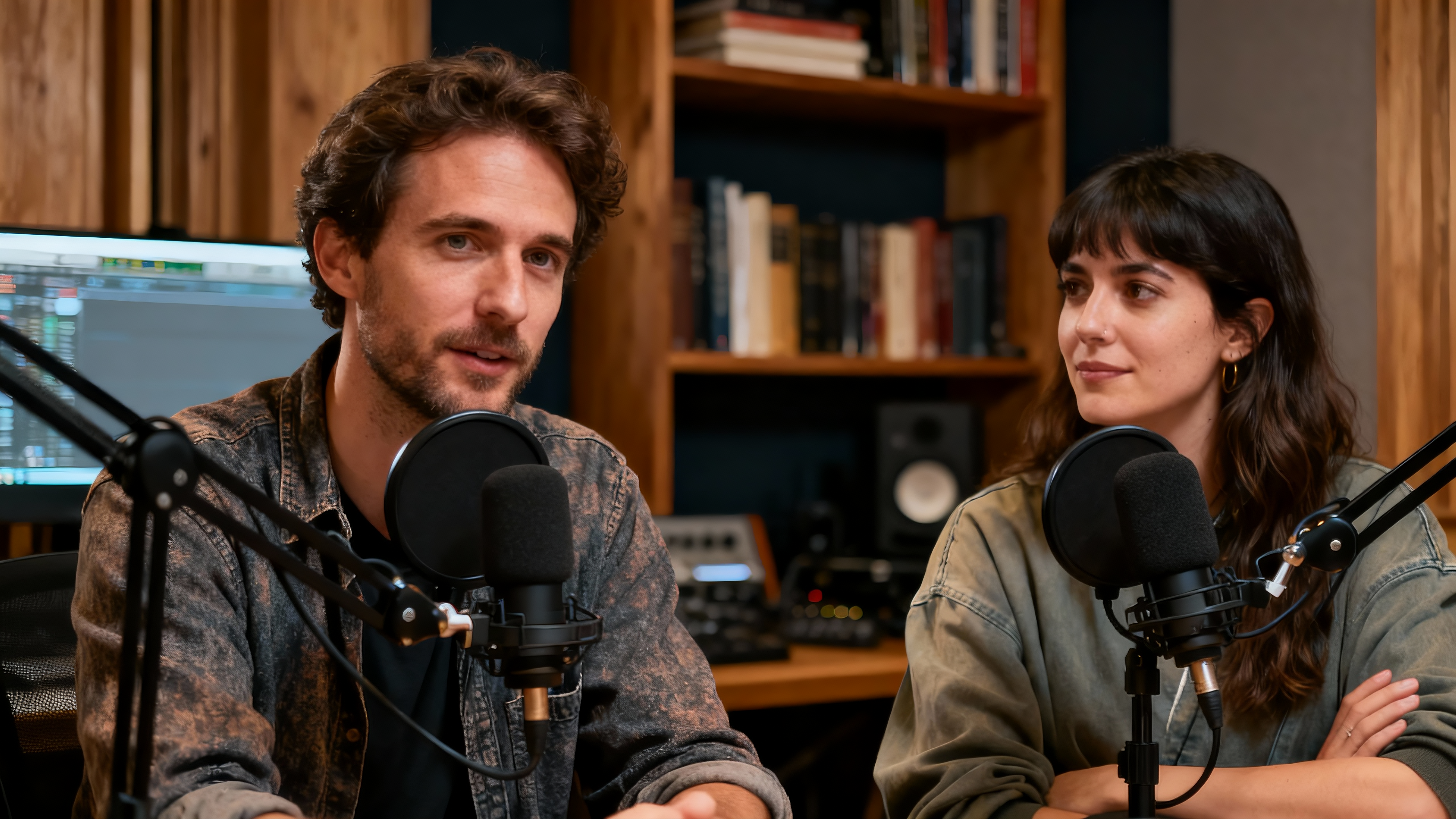
Podcast dialogue switch
A two-speaker conversation with natural turn-taking and shared laughter.
Kling 2.6 FAQ
Answers about Kling 2.6 usage and outputs.

Create cinematic clips with Kling 2.6
Generate short-form video content in Seedance.so Studio.