Flare or Sunburst
Switch between fast iteration and precision rendering.
New · OpenAI
Move from fast Flare drafts to precise Sunburst outputs without leaving one focused image workspace.
Create with GPT Image 2.5
Creator
Image generator
Choose the speed and detail level for the job while keeping the same familiar workflow.
Switch between fast iteration and precision rendering.
Start from a prompt or guide the result with up to 16 images.
Set canvas, quality, transparency and output format.
Workflow
Use Flare for speed or Sunburst for fine detail.
Write a prompt and optionally upload reference images.
Review the credit estimate, then generate.
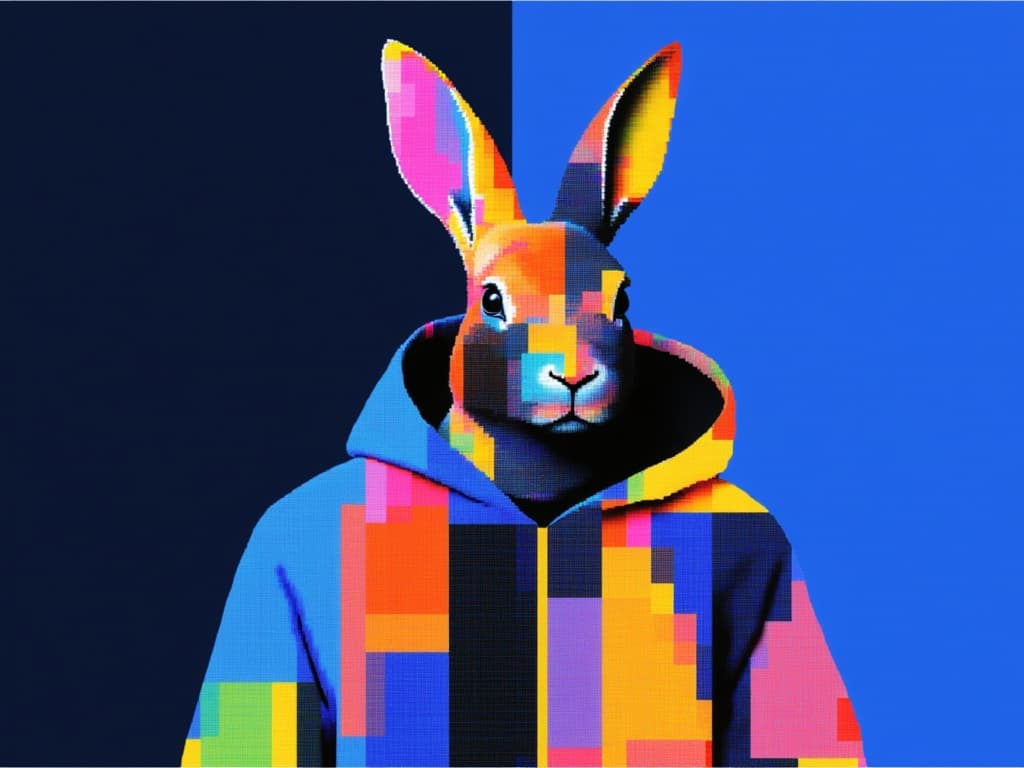
An example of the detail and composition possible with GPT Image 2.5.
Practical answers before you generate.

Pick a profile, describe the result, and see the estimated credits before submitting.